
Connecting QuickBooks Enterprise to Pick-to-Light
See how QuickBooks Enterprise workflows can connect to Hero Bot IoT for wave picking and warehouse order fulfillment.
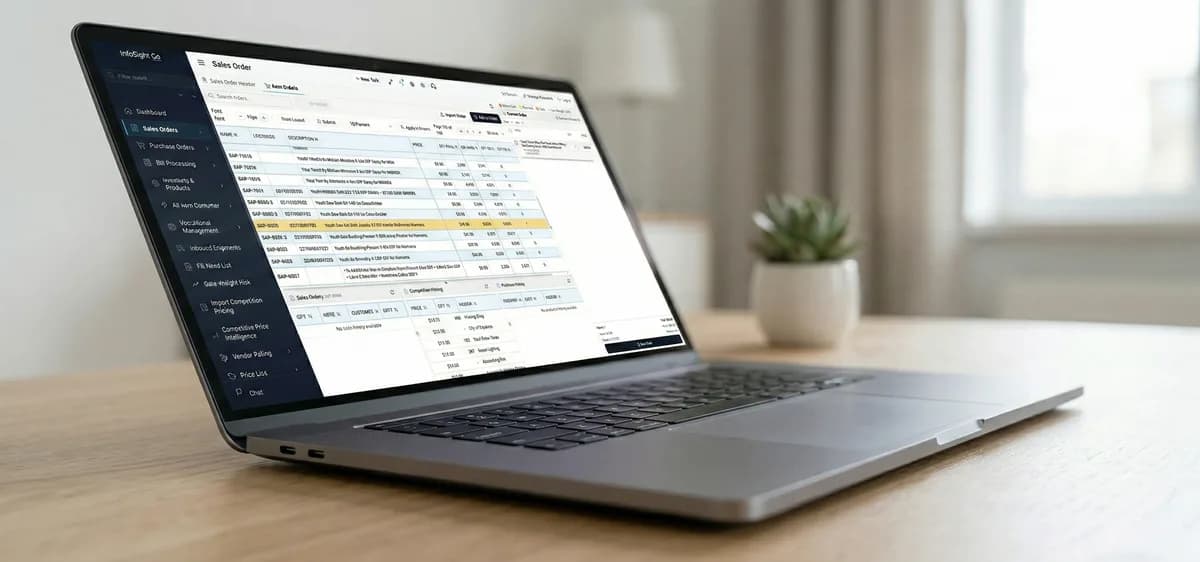
Many growing distributors run important order and inventory workflows through QuickBooks Enterprise.
Hero Bot can support QuickBooks-connected warehouse workflows, including wave picking, so teams can bring visual pick guidance into existing operations.
Key Takeaways
- check_circleQuickBooks Enterprise can be part of a Pick-to-Light workflow.
- check_circleWave picking helps group work for efficient warehouse execution.
- check_circleIntegration planning should start with your current order and inventory process.
Why Integration Matters
Pick-to-Light is most valuable when it reflects the actual orders, items, and quantities your team needs to process.
Connecting order data to the picking workflow helps avoid duplicate entry and keeps the warehouse process aligned with accounting and inventory activity.
Wave Picking With Visual Guidance
Wave picking groups work into batches that can be released to the floor in a controlled sequence.
Pick-to-Light can then guide operators through the relevant locations and quantities for that wave.
Planning a QuickBooks Workflow
A good integration discussion starts with how orders are created, how items are stored, and how fulfillment is confirmed today.
From there, Hero Bot can help map the right process for picking, confirmation, exceptions, and reporting.
Evaluate your Pick-to-Light ROI
Compare picking time, order volume, and error cost with the Hero Bot IoT Pick-to-Light ROI calculator.
Open ROI Calculatorcalculate